

Removing a level-2 Component Item
1. From the Charting screen, double-click on the Level-2 Component Item; the Edit Level-2 dialog box will appear.
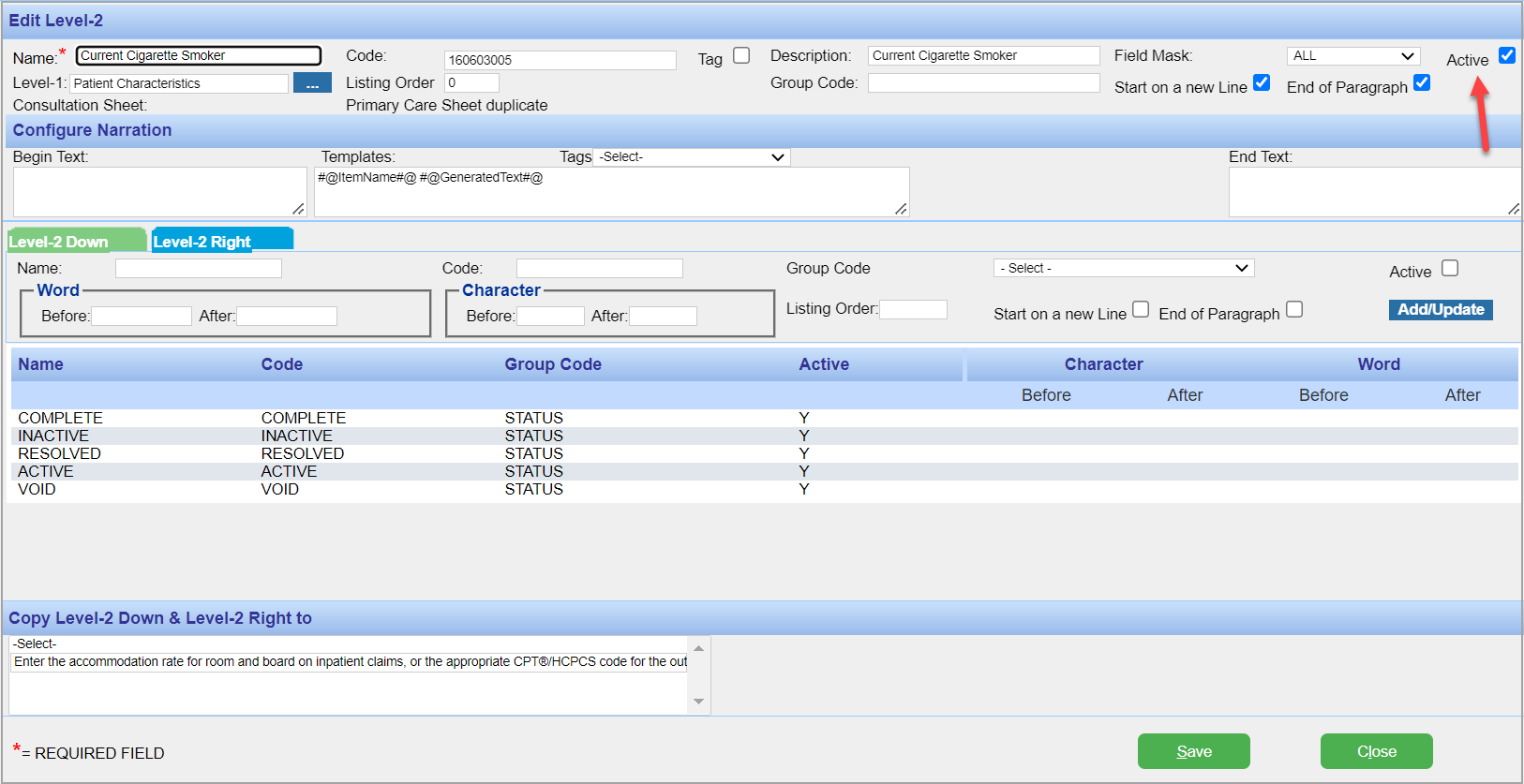
2. In the Edit Level-2 dialog box, click to clear the Active check box (highlighted in the image); this process will remove the Level-2 from the Consultation Sheet.
3. Click the Save button.
Was this helpful?
Thanks for your feedback!