

Add New Patient from Charge Entry
You can add a new patient record directly from the Charge Entry screen by following the steps outlined below.
1. Select the Charges from the main menu and click on Enter Charges.
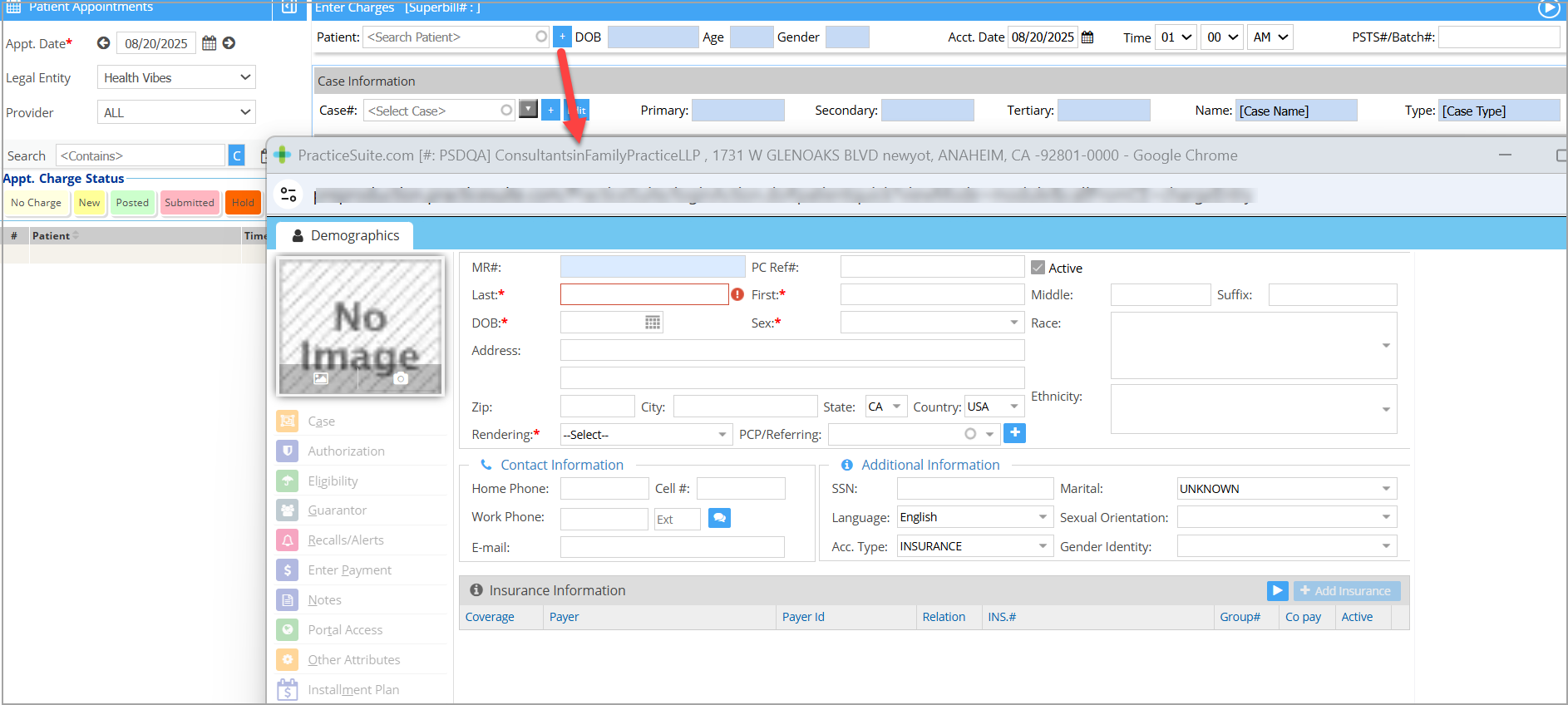
2. Click on the + button beside the Patient search (highlighted in Image 1). Patient Demographics opens up.
3. Enter all the required fields and click on Save.
Was this helpful?
Thanks for your feedback!