

Navigate to Charges → Edit Charges.
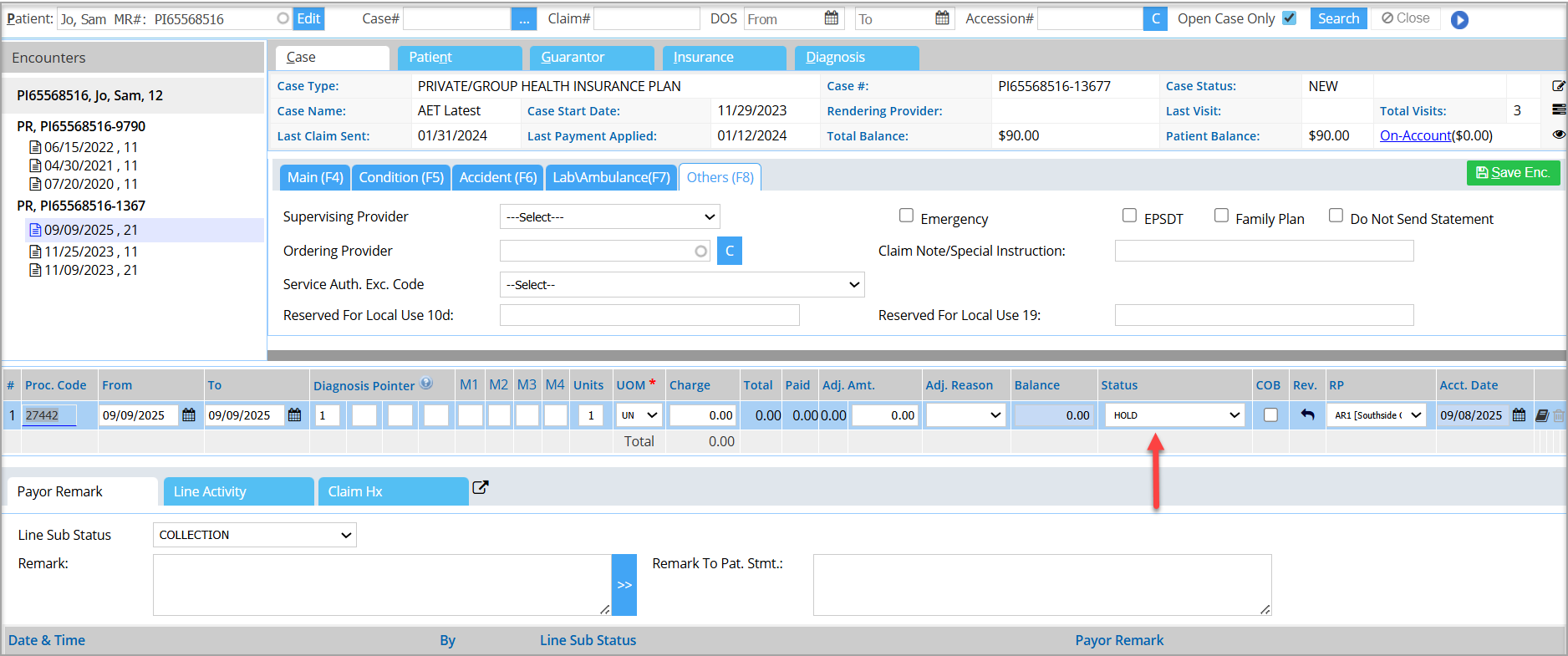
On the Charge Master Screen, pull up the patient and select the encounter.
On the encounter line, select the Status as HOLD corresponding to the charge that needs to be put on hold and then click the Save button at the bottom.
Was this helpful?
Thanks for your feedback!